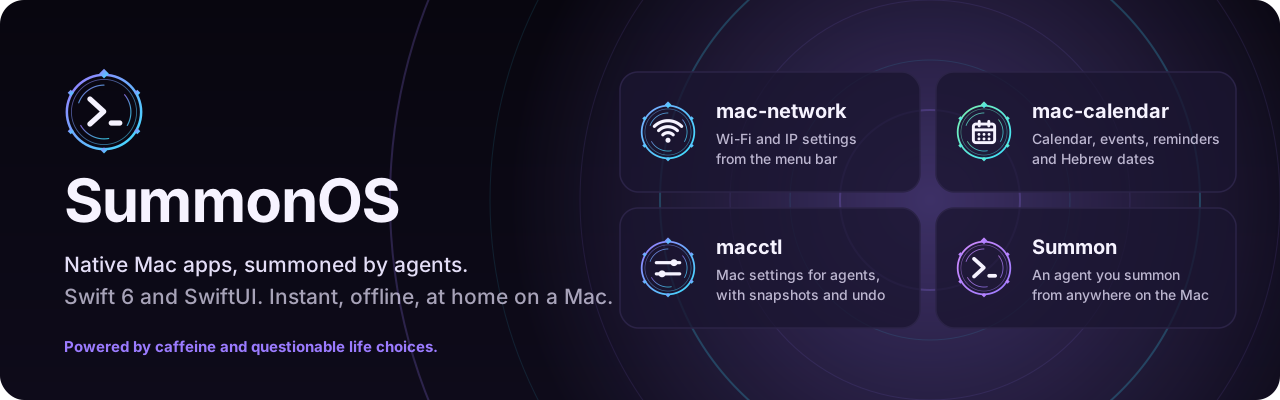



SummonOS: the agentic layer for the Mac
SummonOS gives coding agents live Mac context, a native menu bar interface, and recoverable changes to supported macOS settings. It works with the agents you already use; it does not replace or sandbox them.
Documentation and wiki · Get started · Features · Troubleshooting · Status
SummonOS is a preview, not a production-qualified recovery system. The latest numbered release checked for this documentation is v0.2.5, published as a prerelease on November 11, 2026; see status and verification limits.
What it does
- Live context:
summon contextreports hardware, power, storage, network, displays, appearance, permissions, running apps, installed agents and recent crashes. Choose which sensitive fields agents receive. - Agent integration:
summon connectinstalls supported MCP registrations, instruction blocks and session hooks.summon mcpexposes read tools and journaled settings/checkpoint actions to connected agents. - Ask from anywhere: ⌃⌥⌘A opens your default agent with the frontmost app, window and permitted selection, browser and Finder context. ⌃⌥Space opens the searchable Summon panel.
- Settings recovery: macctl snapshots supported changes; Summon checkpoints combine those settings with successfully captured configuration. Undo is not a backup of arbitrary files or external actions.
- Whole-Mac themes: one command coordinates wallpaper, appearance, native accent, terminal and supported editor configuration. Theme application records a checkpoint and tracks the files it creates for undo.
- Native app tools: private local projects, nine starter templates, scheduled tasks, crash diagnosis, an Activity window, an Updates window, and Siri/Shortcuts actions.
The feature reference describes the exact scope. Read the security and recovery model before granting unattended agent execution.
Install
On macOS 15 or newer:
The remote installer downloads the newest numbered release, including previews but excluding the rolling
edge release, verifies SHA256SUMS, and installs Summon.app in ~/Applications and the commands in
~/.local/bin. A packaged release needs no Xcode. If no release can be selected, the installer attempts a
source build, which requires Git and Swift 6; current staging also uses Python 3. Xcode supplies App Intents metadata.
Preview builds are ad-hoc signed and not notarized. Browser-downloaded archives may need System Settings › Privacy & Security › Open Anyway. Accessibility can need reauthorization after an update.
Connecting changes agent configuration and instructions; review the dry run first. Files are backed up. To let an agent install SummonOS, give it the installation playbook.
Update
Self-update starts with 0.2.0. In 0.2.0 the panel's update row was broken: use the CLI once; 0.2.1 fixes that row. Current builds use a dedicated Updates window. On 0.1.x, rerun the installer. Themes, projects and settings are preserved. Installation options and channels cover pinned versions, opt-in edge builds and source checkouts.
Try it
summon context                         # read this Mac's context
summon agents                          # discover agents and installation methods
summon default agent claude             # choose an installed agent
summon panel                           # open the native searchable panel
summon agent prompt "Explain this project"
summon checkpoint list                 # inspect recovery points
summon commands --json                 # machine-readable command catalog
Agent prompts can start an agent that runs commands. Review the execution policy in Settings › General; new installations use the agent's own approval controls. No command above is a claim that arbitrary agent work can be rolled back.
Project map
| Part | Purpose | Documentation |
|---|---|---|
| Summon | summon CLI, MCP server and native menu bar app |
Overview, changelog |
| macctl | Read, set, diff, apply and undo declared macOS settings | CLI guide, settings catalog |
| Plugins | Independently published native apps | Generated registry |
| Workspace | Templates, skills, build and publishing tools | Tools, app lifecycle |
| Wiki | User guides, reference, design research and historical plans | Start here, complete docs index |
Plugin implementations are separate repositories; the registry records their status, not a fresh audit of
those apps. Summon-created apps live privately in ~/Summon/Apps, not in the workspace registry.
Build and contribute
git clone https://github.com/RohiRIK/SummonOS
cd SummonOS
./install.sh                    # builds and installs this checkout, not the latest release
tools/check-workspace.sh        # workspace hygiene and generated documentation indexes
Use selected Xcode with Swift 6 for the full build/test flow and Siri/Shortcuts metadata. The bundler can omit
those actions with Command Line Tools alone. Build caches belong in ~/Library/Caches/macplugins, outside the
synced checkout. The widget template has a small Xcode project
for its extension; the rest of the app/template packages use SwiftPM.
See Contributing for targeted tests and CI, documentation maintenance
for the wiki build/preview, and Security for private vulnerability reporting. Agents follow
AGENTS.md.
Maintainer setup: plugin repositories and publication
Workspace plugins use private `License and credits
MIT. Omarchy is research and inspiration for an agent-centered desktop, not a source to copy wholesale: background. Community palettes and adapted material are credited in third-party notices. Vendored SwiftUI/concurrency skills retain their MIT licenses.